
Parking mode · 10 November 2026 · 3 min read
Is your dash cam actually recording while you are parked?
A practical parking-mode check: confirm the power arrangement, recording mode, saved files and battery protection before relying on footage.
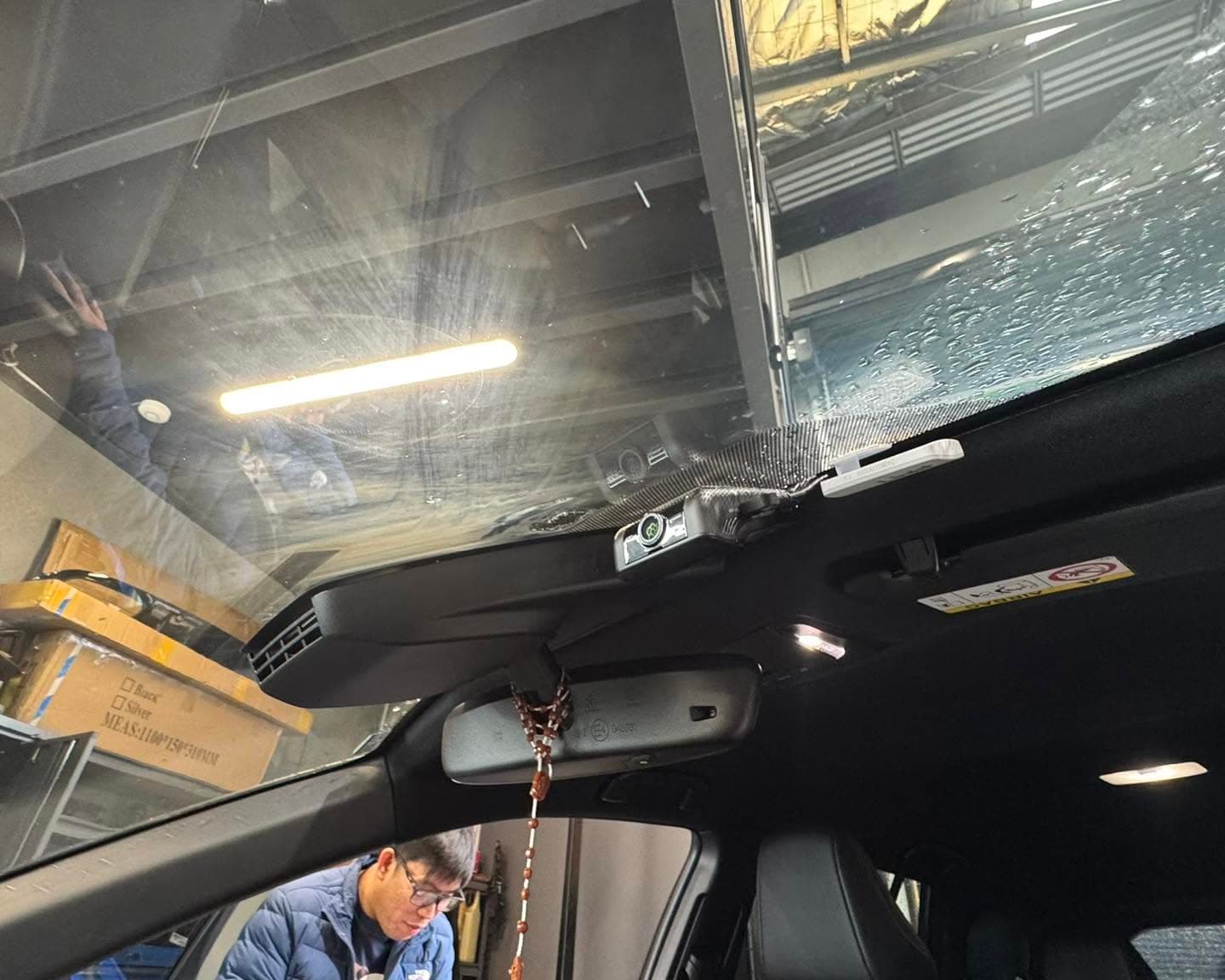
A camera that records while you drive does not necessarily record after you park. Some accessory sockets turn off with the ignition, while some cameras need a separate hardwire kit or battery pack to use parking mode. Start by checking the instructions for the exact camera model and the power equipment actually installed in your car. Do not assume an app setting alone provides parked recording.
First, confirm the expected behaviour. Parking mode might save impact-triggered clips, motion-triggered clips or a continuous time-lapse stream, depending on the equipment. These modes do not produce identical footage. Ask whether the camera keeps a short buffer before an event and whether the front and rear channels both operate in that mode. Use the manufacturer's description for your model rather than a general feature list.
Next, carry out a controlled test while the vehicle is safely parked. Note the time, switch the ignition off and give the camera the time its instructions specify to enter parking mode. Follow the manufacturer's safe test procedure; do not hit the vehicle to trigger an event. Afterwards, inspect the memory card or app for a newly saved parking file and play it back.
If there is no file, check the recording folder, storage-card health, parking-mode settings and the available power. A status light or a successful Wi-Fi connection only shows part of the picture. Do not change fuse connections or bypass low-voltage protection as a troubleshooting shortcut. If the camera repeatedly turns off sooner than expected, have the power setup and vehicle battery assessed.
Battery protection limits how long a system can run while parked. The result depends on the camera's consumption, recording settings, the battery's condition and the time between drives. An external battery pack is another option where compatible, but it also has charging and operating limits. There is no useful universal promise of a fixed number of recording hours for every vehicle.
Repeat the playback check after changing cameras, cards, firmware or power settings, and before a long period away from the car. If you contact SpeedSafe for help, send the camera model, vehicle year, a description of the power connection and the last parking clip you can find. Those details help separate a configuration problem from a wiring or battery issue.